
Sometime your application or script may require a different version of php or may be compatible with another version of php or sometime some feature of your application are only available on a different version. Whatever the case may be, cpanel provides you with a simple way to change you account php version.
By default, you account php version is inherited from the version the shared server is running.
To change your accounts php version, simply do the following:
- Login to your cpanel
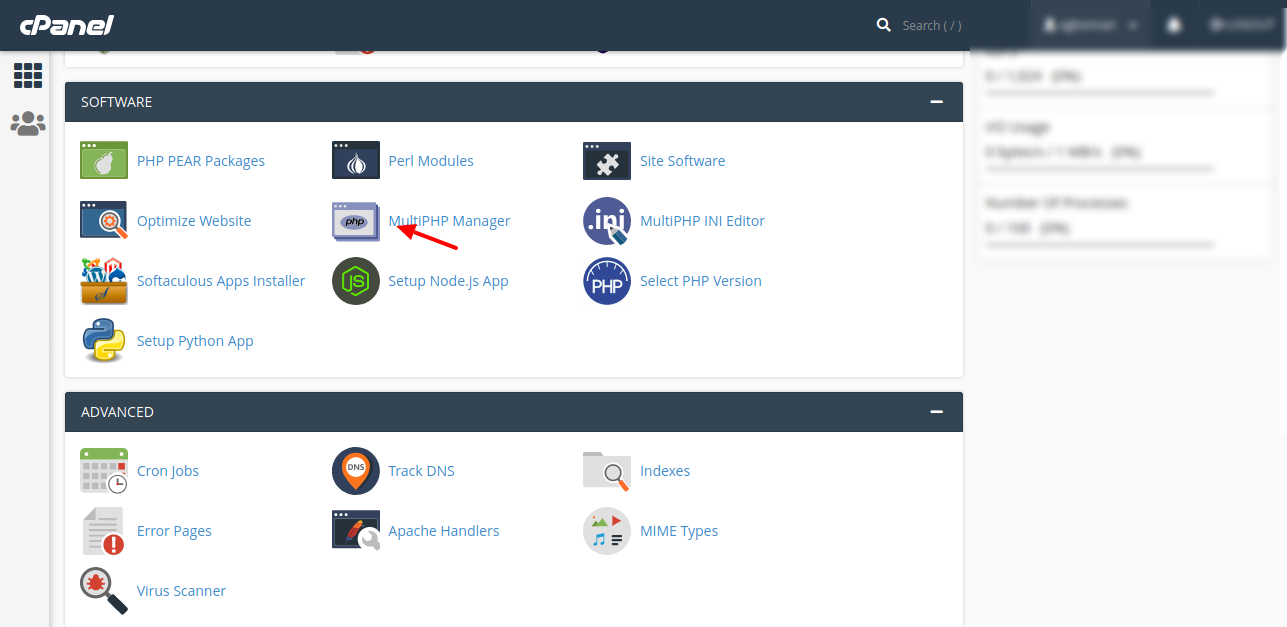
- Once logged in, Scroll to the Software Section and click on Select PHP Version. Alternatively, scroll-up to the search bar on cpanel and search for MultiPHP Manager
- Select the checkbox for the domain that you wish to change.
- Select the desired version of PHP from the PHP Version menu. To always use the system default, select inherit.
-
Click Apply. The system will change the selected domain's PHP version.
That's all, you have successfully changed you account php version.